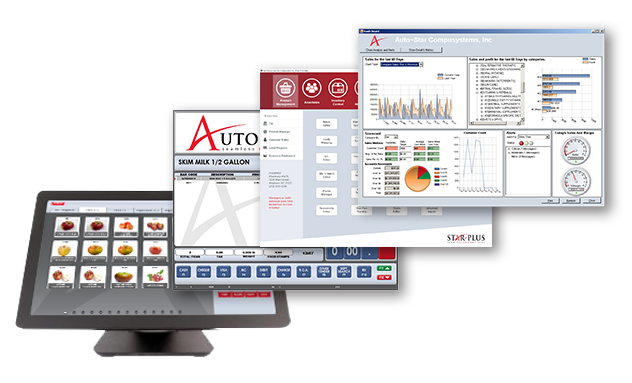



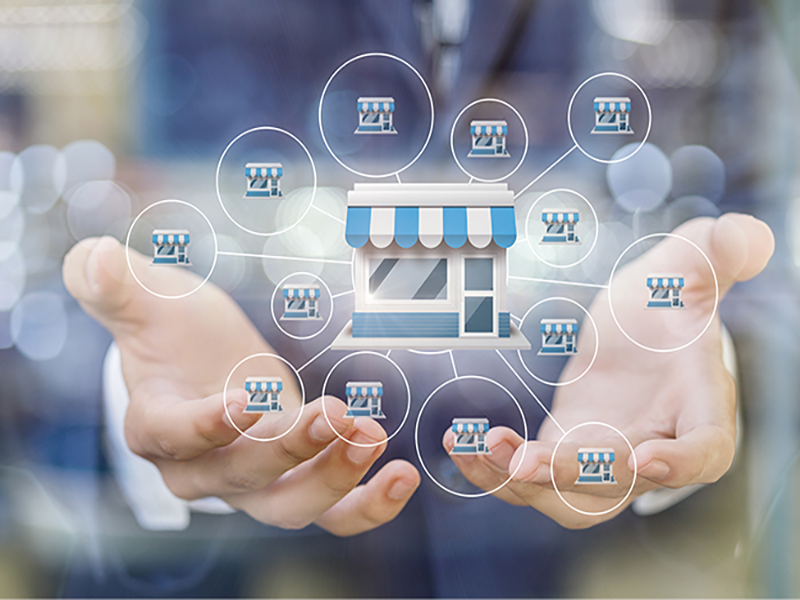





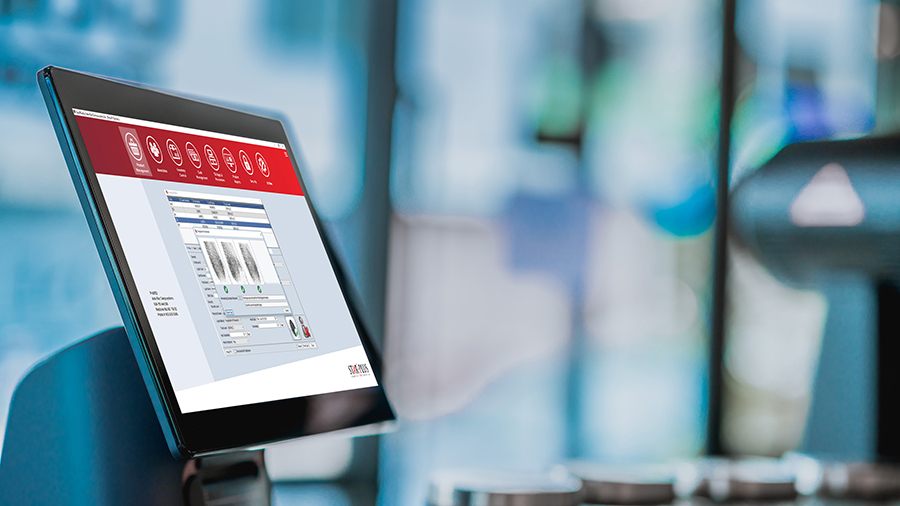
Auto~Star Compusystems’ Star~Link software offers head offices a system to communicate inventory information, sales updates, and promotions with linked stores. Star~Link exceeds standard information packages by enabling managers to ensure consistency throughout the chain through the use of real-time data processing.
Depending on strategy, head offices have the flexibility to manage store operations at varying degrees or to offer independence over the information a store receives from head office. From the warehouse to purchasing and order booking, Star~Link offers a diverse number of options in managing the chain at every level. Another feature is centralized charge accounts, which can offer added value to customers who are able to purchase on their account at any of the stores linked to head office. For interested parties, customizable programming is also available to meet specific needs.
Headquarters based Star~Link works hand-in-hand with store based Star~Plus point of sale. Star~Plus offers flexibility and reliability to stores all while seamlessly communicating with Star~Link head office.
Benefits
The Star~Link head office solution will assist in increasing store profitability and decreasing store costs:
- Decrease overhead costs
- Identify and utilize outstanding personnel within the organization to perform centralized functions
- Increase buying power
- Control margins
- Provide consistent and accurate reporting
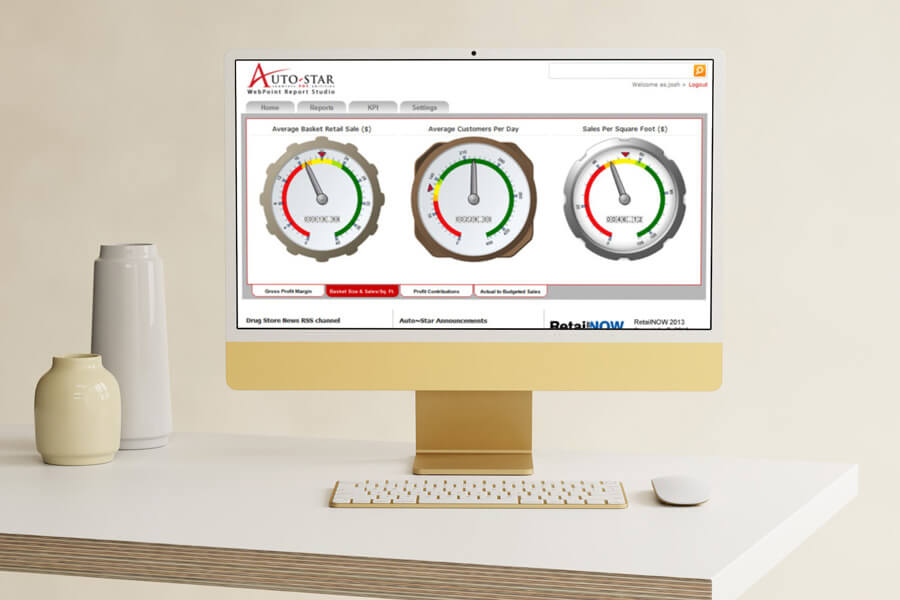
Introducing Executive Dashboard!
Star~Link Executive Dashboard is a business management tool used to visually observe the status of a businesss and individually linked stores via key business indicators.
- Track progress against set business targets
- View up to the minute data
- Drill down for further analysis
- Identify and correct trends before they become an issue
- Monitor performance on a daily, weekly or monthly basis
- View information from individual stores
- Chain store functionality at a fraction of the cost
- No additional upgrade or support fees
- Rapid deployment by eliminating many of the standard implementation tasks
- Predictable budgeting and planning
- Access to the latest software as soon as it is available
Centralized Accounts Receivable
- Maintain customer information and pricing for all stores
- Add or modify customer information at each store and update head office
- Customers can charge or pay on account at any linked store
Centralized Product Maintenance
- Change prices for a store, a group of stores, or all stores from one location
- Maintain vendor costs for all stores
- Add new products manually or with the Universal Import tool
- Have the same product description for all items in all stores
- Have the same product categorization in all stores for accurate reporting
Centralized Promo Maintenance
- Enter promotions from one location; promos can apply to a single store, group of stores, or all stores
- Enter vendor promo information for all stores at once using the Universal Import tool
- Take advantage of bulk buys and special deals from vendors by combining all store orders with the Call-For-Order feature
Web Based Flexible Reporting
- Implement and manage Internet based reporting throughout the enterprise
- Utilize Microsoft SQL Server Reporting Services
- Deploy Auto~Star built-in reports, build your own or use an on-line report builder
- Easy to use drill-down based interface through Internet Explorer
- Export reports to PDF, native Excel and web archive files
Centralized Data Cubes and Mining
- View data for some or all stores dynamically
- Utilize data analysis and mining through SQL Server Analysis Services
- Query the entire business quickly and efficiently on multiple dimensions (Time / Stores / Departments / etc.)
- Aggregate data and track Key Performance Indicators (KPIs)
- Browse data in interactive applications such as Microsoft Excel
The Star~Link Dynamics GP Accounting Integration offers retailers a seamless solution to report and analyze financial, transaction, customer and inventory information for the entire chain without the need for manual data entry. The solution uses the best available tools in the Microsoft platform to measure business success, maximize productivity and ensure accurate and timely reporting.
Order Desk
Have a warehouse? One store that acts as a warehouse?
Warehouse
Use Star~Link Order Desk to receive orders from the stores electronically, generate picking sheets automatically, and electronically invoice the store updating their original purchase order automatically.
Store Acting as a Warehouse
Use Store to Store Transfer in Star~Plus to track and move stock from the main store to sister stores.
Purchasing Power
Amalgamated Orders
Combine all store orders into one to take advantage of vendor bulk buys and special pricing.
Call For Order
Combine all store orders into one to take advantage of specific promotions.
Warehouse Order
If using Order Desk, stores can electronically order directly from the warehouse or another vendor.