When Retail Technology Stops, So Does Business
A retailer can lose access to its systems in seconds. The real test is how long it takes to get them back.
That risk is becoming harder to ignore. Verizon’s 2026 Retail Snapshot found that the number of retail breaches nearly doubled from the previous year. Across Verizon’s broader 2026 breach dataset, ransomware was involved in 48% of breaches.
For retailers, the impact reaches far beyond IT. Point of sale systems, inventory records, customer information, vendor portals, loyalty programs, payroll, email, online ordering, and cloud applications are woven into everyday operations. When that information becomes unavailable, the problem can quickly move from the server room to the sales floor.
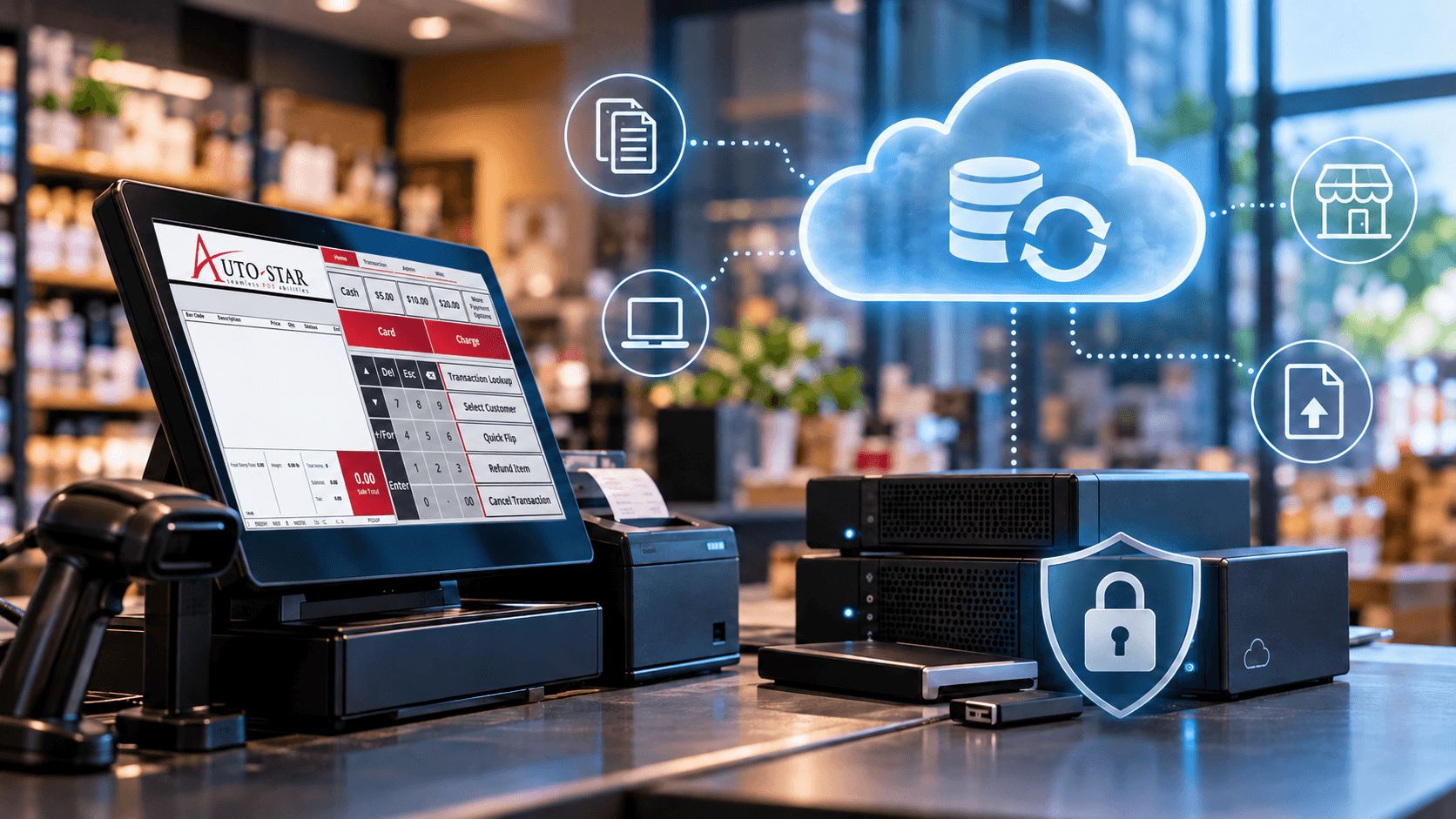
That is where retail data backup becomes a business issue, not just a technical one. The real cost of lost data is not measured in files. It is measured in interrupted sales, delayed service, and the time it takes to get the business moving again.
A good backup strategy ultimately must answer two questions:
If important business data disappeared today, could you recover it? And how long would it take to resume operations?
Data Protection Is About More Than Keeping Attackers Out
Information security is commonly described through three principles known as the CIA triad:
Confidentiality: Information should only be accessible to authorized people.
Integrity: Information should remain accurate, complete, and protected from unauthorized changes.
Availability: Authorized users should be able to access information and systems when they need them.
NIST identifies confidentiality, integrity, and availability as fundamental information-security principles. Its Cybersecurity Framework also emphasizes recovery planning and the ability to restore systems and operations following an incident.
For a retailer, this means protecting information from unauthorized access is only part of the job. Businesses also need to consider what happens when information is accidentally deleted, corrupted, encrypted by ransomware, or temporarily unavailable.
Cloud Storage Does Not Always Mean Recoverable Backup
Cloud services can provide convenience, flexibility, and strong infrastructure, but businesses should understand exactly what is being protected.
For example, a file synchronized across several devices is not necessarily the same thing as a recoverable backup. If a file is accidentally deleted or changed, that action may also synchronize across connected devices. The recovery options available depend on the service provider and plan being used.
For every important cloud service, retailers should know:
- What information is stored there?
Include company-managed accounts as well as services employees may have adopted individually. - Who has access?
Use individual accounts where possible, enable multi-factor authentication, and remove access promptly when employees leave. - What does the provider mean by backup?
Ask how frequently copies are created, how long previous versions are retained, and whether accidentally deleted information can be restored. - Can the data be exported independently?
Determine whether important information can be downloaded and in what format. - Has recovery actually been tested?
A backup is much more valuable when you know it can be restored. - What happens if the service is unavailable?
Identify which activities could continue manually or offline and who staff should contact.
A POS Backup Strategy Should Include More Than One Copy
Your POS system may contain years of inventory, pricing, sales history, customer information, and other operational data.
Keeping one current backup is better than keeping none, but it still creates risk.
A stronger POS backup strategy includes:
- more than one backup copy
- at least one secure offsite copy
- backup storage that is not continuously connected
- regular confirmation that backups are completing successfully
CISA recommends maintaining offline, encrypted backups of critical data and regularly testing their availability and integrity. It also warns that ransomware can attempt to locate, encrypt, or delete backups that remain accessible from affected systems.
Keeping several generations of backups is also important. If corrupted or unwanted changes are not discovered immediately, yesterdays backup may already contain the same problem.
Backups Should Be Tested, Not Just Created
A successful backup notification does not necessarily prove that your business could recover from an incident.
Periodically work with a qualified technical resource to verify that the recovery process works.
That could include confirming:
- the backup file is readable
- the expected data is included
- older backup generations are available
- offsite copies can be accessed when required
- responsible employees know where backups are stored
- recovery responsibilities are clearly assigned
NIST’s Cybersecurity Framework 2.0 recommends conducting regular backups, keeping at least one frequently backed-up set of data offline, and testing that backed up data can be successfully restored.
Retail Data Backup Checklist
Retailers do not need to redesign their entire IT environment to improve recovery readiness. Start with the systems the business depends on most.
Review these areas:
- Confirm POS backups are completing successfully.
- Maintain multiple backup copies.
- Keep several generations from different dates.
- Store at least one copy securely offsite.
- Disconnect removable backup storage when it is not in use.
- Review what information is stored in cloud applications.
- Confirm cloud retention and recovery options.
- Use multi-factor authentication where available.
- Remove system access when employees leave.
- Test whether important information can actually be restored.
- Document who should be contacted during an outage or data-loss event.
- Review the process regularly as systems and services change.
Build Recovery Planning Around the Business
Backup technology is only one part of retail disaster recovery.
Consider what would happen if your POS server, internet connection, cloud application, email platform, or another important system became unavailable tomorrow morning.
Which activities would stop?
Which could continue manually?
Who would make decisions?
Who would contact your technology providers?
Where would staff find the information they need?
NIST organizes cybersecurity risk management around the functions Govern, Identify, Protect, Detect, Respond, and Recover. The recovery component focuses not only on restoring technology, but also on understanding responsibilities and returning business operations to normal.
For retailers, that means the strongest recovery plan is one that considers both the technology and the people who rely on it.
Start With One Critical System
You do not have to evaluate every system at once.
Choose one service your business relies on every day and ask:
If this system were unavailable tomorrow morning, what would we be unable to do?
Then determine where the data is stored, how it is backed up, how it could be restored, and who is responsible for recovery. Do not assume backups are being handled automatically. Confirm who is responsible for managing them and verifying they are working as expected.
Once that process is clear, move to the next critical system.
A few simple questions today can reveal gaps before an outage, hardware failure, accidental deletion, or cybersecurity incident turns them into a much larger problem.
A reliable retail data backup plan is one part of a broader retail security strategy. From protecting system access to preparing for recovery, the right safeguards can help reduce disruption when something goes wrong.
Explore Auto-Star’s POS security resources to learn more about protecting your retail technology environment.